

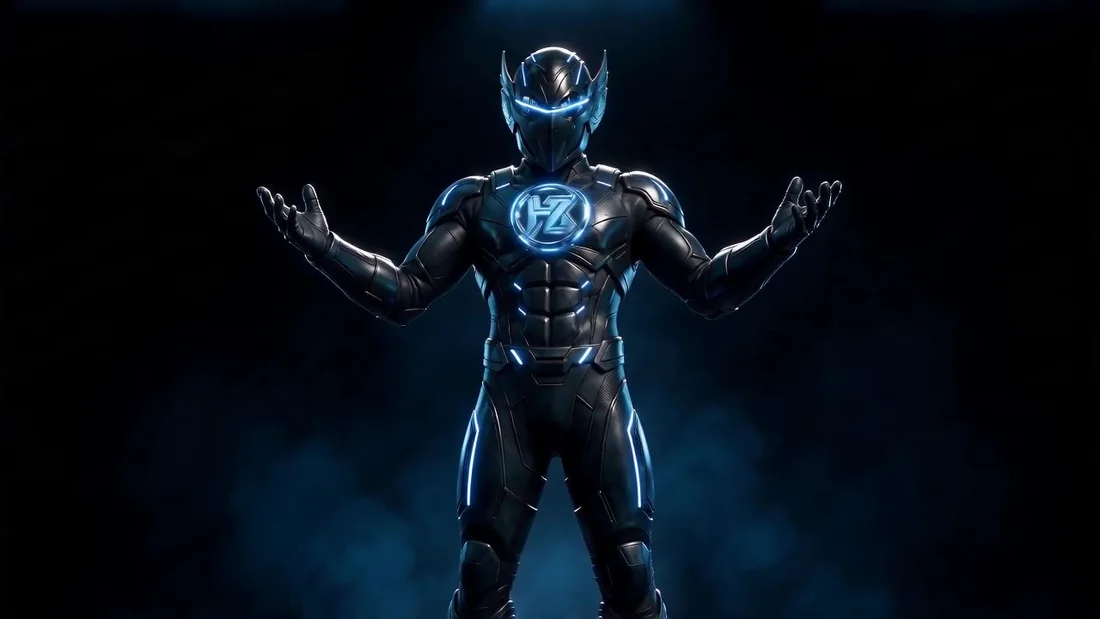
What's inside the suit.
Fourteen motion systems. Every one of them is running here for real — not a screenshot, not a recording of somebody else's site.
One word becomes the frame.
The title is born at the centre of the image, then its two halves travel out to opposite margins. The moment the words cross the edge of the photograph is where the whole trick lives.
Six images that arrive on an arc.
The radius shrinks while the angle grows — which is what makes it a true spiral instead of pictures sliding inward. You don't realise you're watching six separate images until they've already stacked.
Eleven works on a Fibonacci sphere.
The only distribution that never clumps at the poles. Depth drives scale, opacity and blur — without that it reads as a flat collage; with it, it becomes a space.
One masked layer — and it lights up.
The same photograph twice: unlit, and lit. The second one is cut by a soft radial-gradient mask that follows the cursor. Nine kilobytes, zero libraries.

Grey, not invisible.
Characters that haven't been reached yet sit at #5A6472 rather than zero opacity. The paragraph stays readable the whole way through — it doesn't appear, it lights up. This is the single decision I admire most in the whole kit.
Only the ending is typed.
The headline already exists — just the last words get keyed in. Far smarter than typing the whole thing, because the reader gets the meaning immediately and the surprise at the end.
One at a time, not all at once.
Elements land in sequence. The bug worth knowing: when pieces are stacked, a naive fade-in shows the lower ones straight through the upper ones — so anything covered starts at its final state.
Only the middle of the frame.
The image pans slowly and never travels edge to edge — only from right-of-centre to left-of-centre. Perpetual motion that never reveals it has a boundary.
Two halves, opposite directions.
The screen is halved and the halves always move against each other. That counter-motion creates a tension ordinary scrolling simply cannot produce.
The card itself becomes the page.
No page load. The clicked element is measured, flies, and grows to full screen. It feels like an app rather than a website.
Each tile hands over to the next.
The active tile opens, and when its time is up it passes the turn along. The lag runs left to right — a change no client will ever ask for and everybody feels.
The video plays once — then hands over.
An intro clip runs, fades, and passes control to a still that scrubs on scroll. Including a fallback for blocked autoplay — the thing that kills a demo in front of a client on an iPhone.
Texture that's drawn, not downloaded.
Noise generated on a canvas every frame — zero file weight, and it never repeats. One layer that turns an HTML page into a physical object.
SIGNAL · NOISE
Fourteen systems, ready to be fitted to any client site.